When am I charged?
The annual plan starts with 7 free days and charges $34.99 when they end, unless you cancel at least 24 hours before. The app reminds you 2 days before. The weekly plan has no free trial and charges $4.99 the day you subscribe, then every week.
How do I cancel?
In the store you subscribed with. On iPhone: Settings, your name, Subscriptions, MioPrep. On Android: Google Play, your profile, Payments and subscriptions, Subscriptions. The app also has a Manage subscription button in the You tab. Cancel at least 24 hours before the period ends. Deleting the app or your account does not cancel a subscription.
Can I get a refund?
Refunds are decided by the App Store or Google Play, because they process the payment. Apple: reportaproblem.apple.com. Google Play: your order history, then report a problem. If something in the app went wrong, write to us and we will help with the request.
How does MioPrep handle allergies?
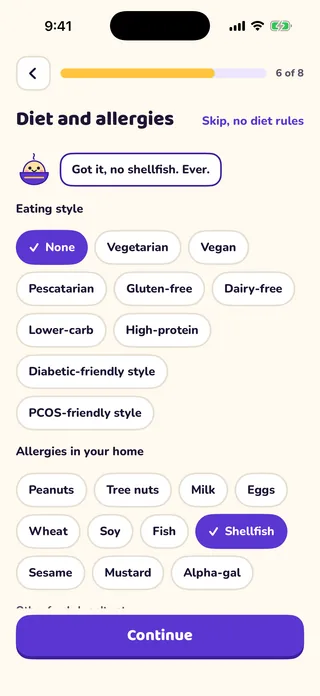
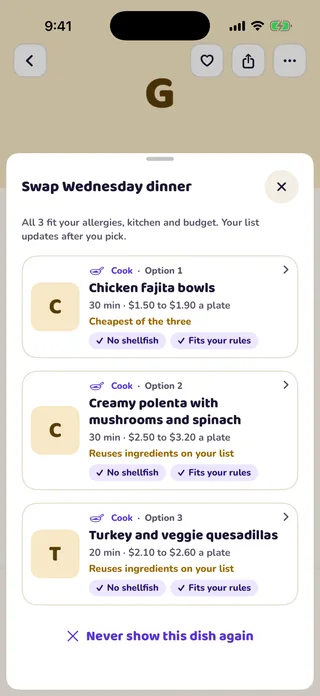
You tell the app which allergens and foods to leave out, and the planner checks every recipe against that list, every day. It works from recipe ingredients, so it cannot know how a specific product was made. MioPrep cannot guarantee an allergen-free result. Always read product labels and cross-contact warnings.
Are the cost and nutrition numbers exact?
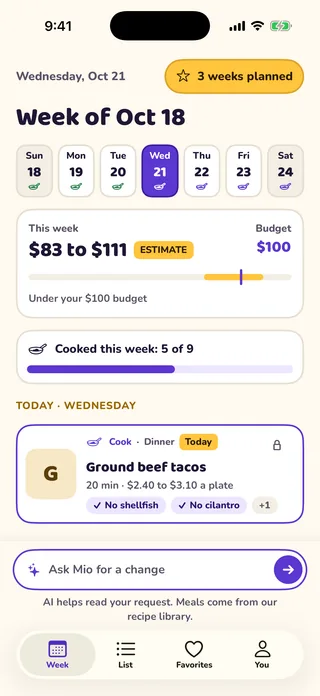
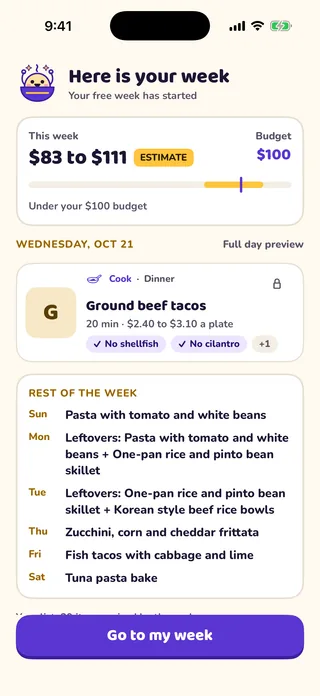
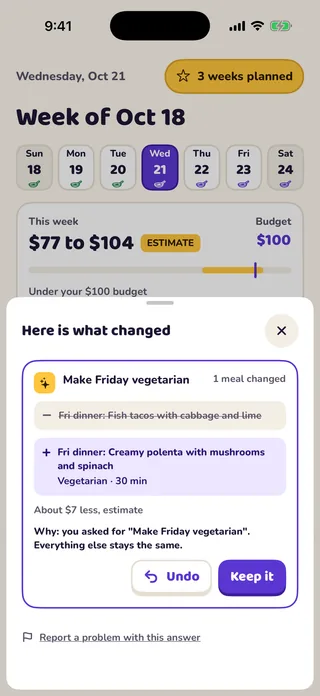
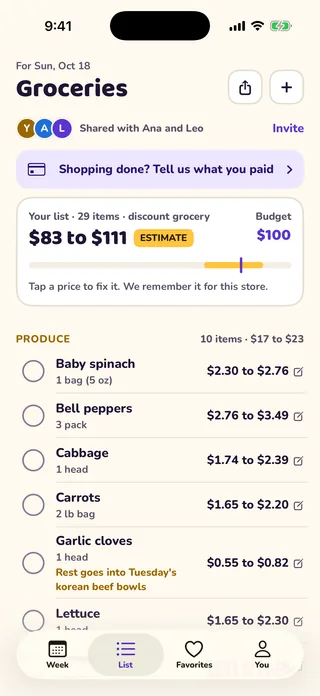
No. Grocery costs are shown as a range and nutrition is shown per serving, both labeled as estimates. Real prices vary by store and week. MioPrep is a planning tool and does not give medical or nutrition advice.
Can I use metric or US units?
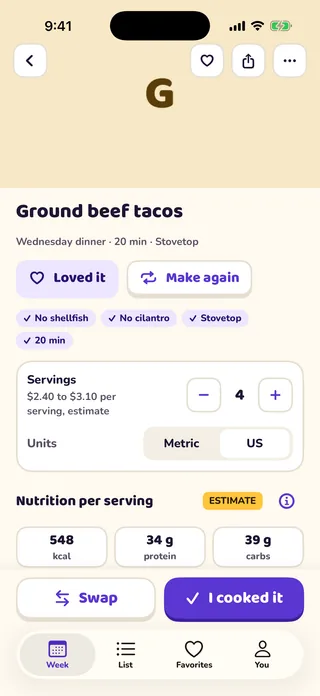
Yes. The app starts with the usual units for your country and you can switch between metric and US units on any recipe or in the settings.
Does my household need to pay too?
No. One subscription covers up to 5 people. Invite them from the Household screen and they see the same plan and the same list, on iPhone or Android.
Which countries and languages are supported?
At launch MioPrep is made for the United States, Canada and Brazil, in English and Brazilian Portuguese, with local package sizes, currencies and units.
What data do you keep, and how do I delete it?
Your quiz answers, plans and list stay on your phone until you save an account. Diet and allergy details are stored only after you agree in the app. A typed change request is read with the help of an AI service. You can switch typed requests off in the app. You can delete your account and data in the app at any time. The privacy policy has the details.
When does MioPrep launch?
Soon, on the App Store and Google Play. There is no date to share yet. Use the email button above and we will tell you on launch day.